Enter a panel size, or pick a standard booth panel, and get the document size to set up, the size with bleed and the pixels a photo needs at that size. Confirm the final numbers with your printer's template.
Calculator
Visible size
120 x 96 in (304.8 x 243.8 cm)
With bleed, full size
122 x 98 in (309.9 x 248.9 cm)
Set up your document at 25%
30.5 x 24.5 in (77.5 x 62.2 cm)
Photos need at least
12,200 x 9,800 px (119.6 megapixels)
Document resolution at 25%
400 ppi
Rules of thumb only. Your printer's template and specification decide the final sizes, bleed and resolution.
Common booth artwork sizes
TYPICAL SIZES
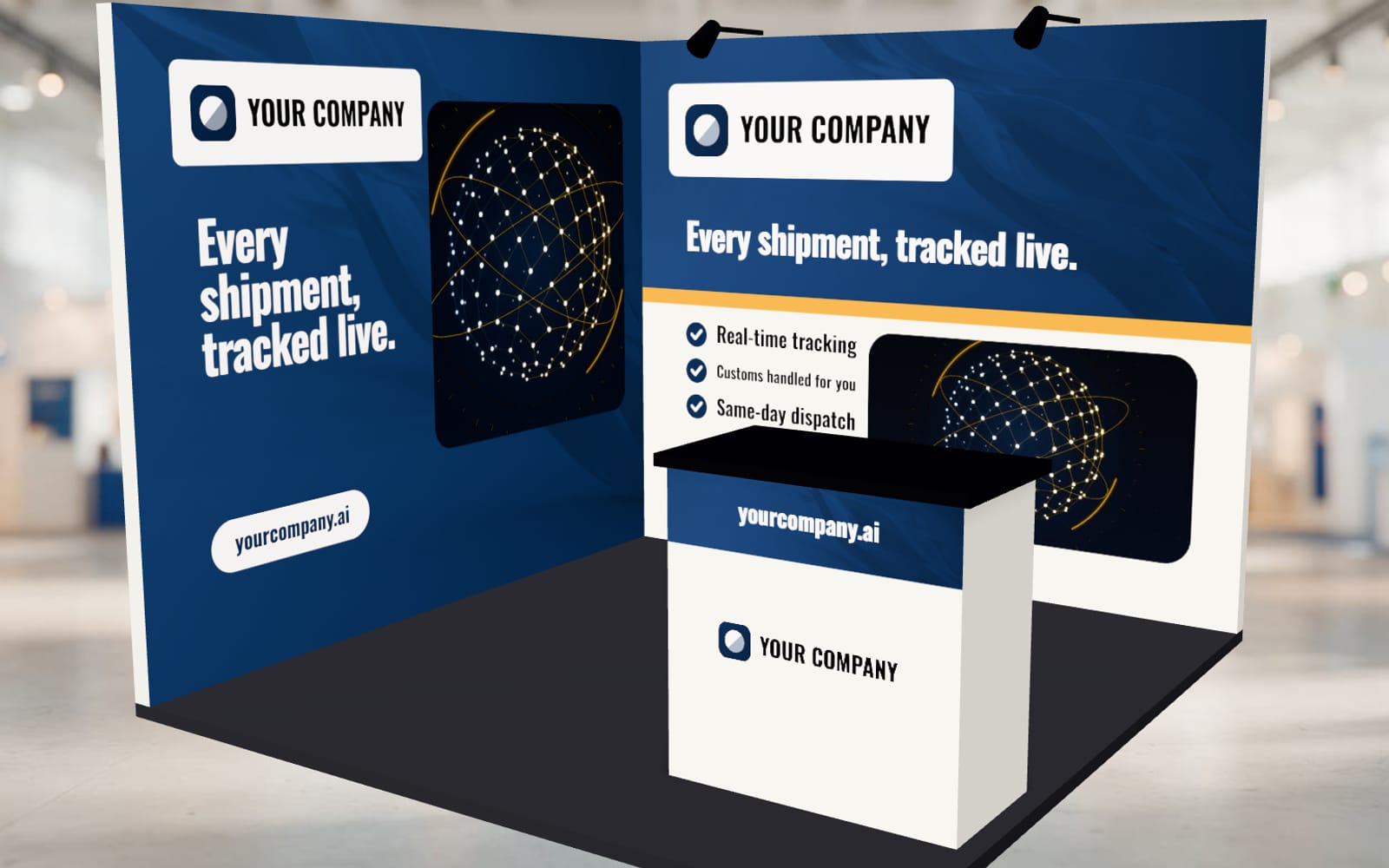
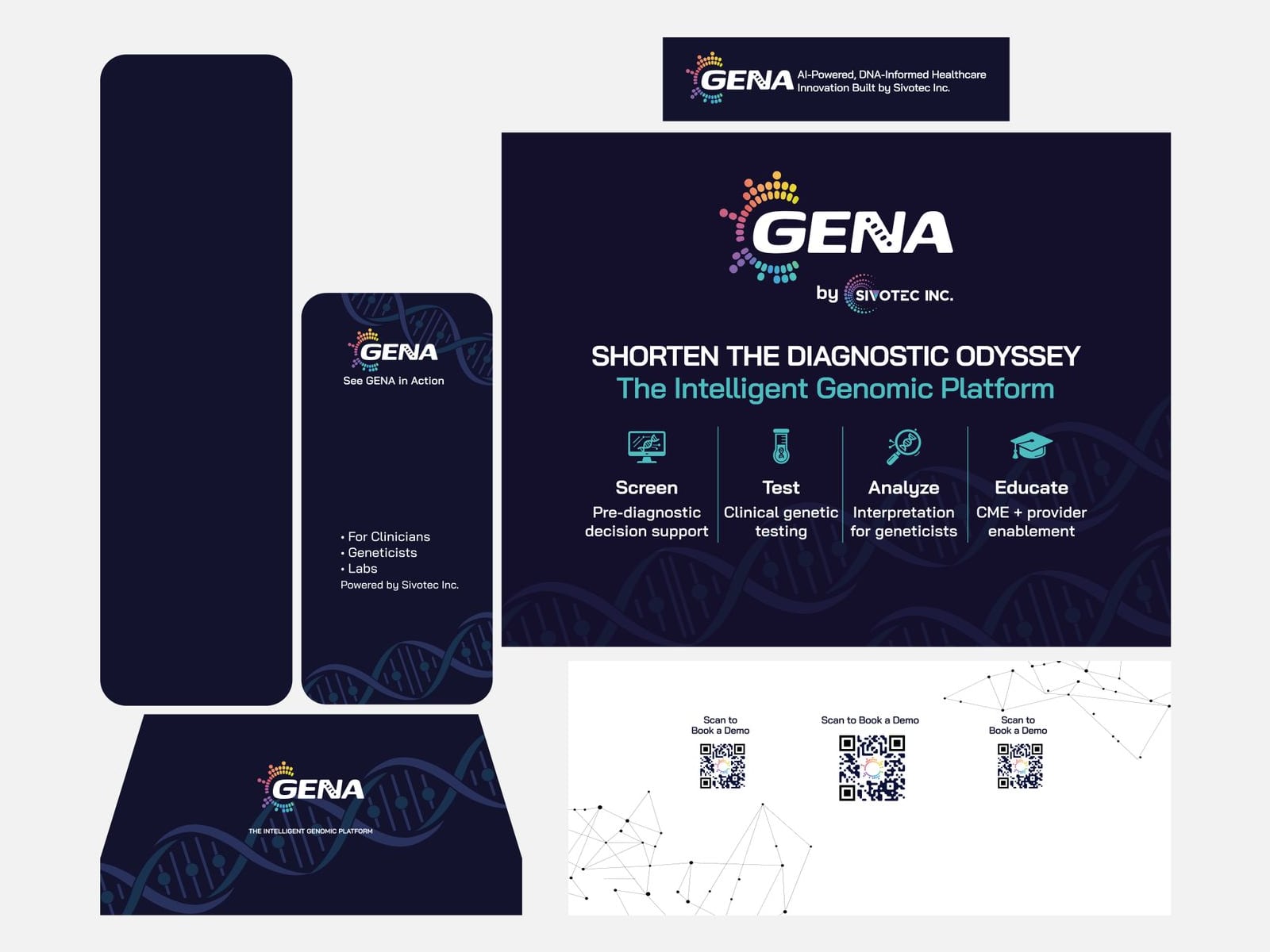
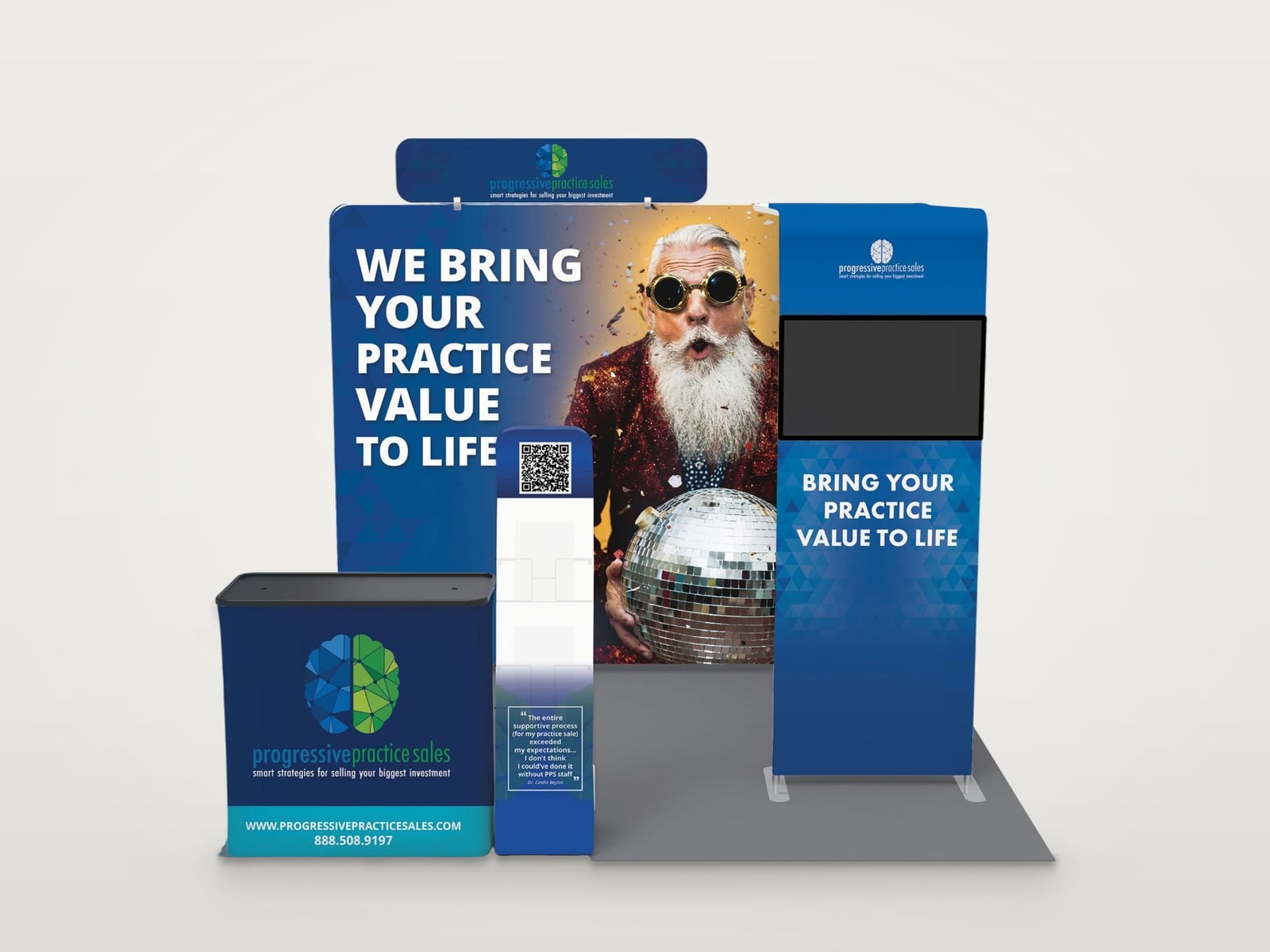
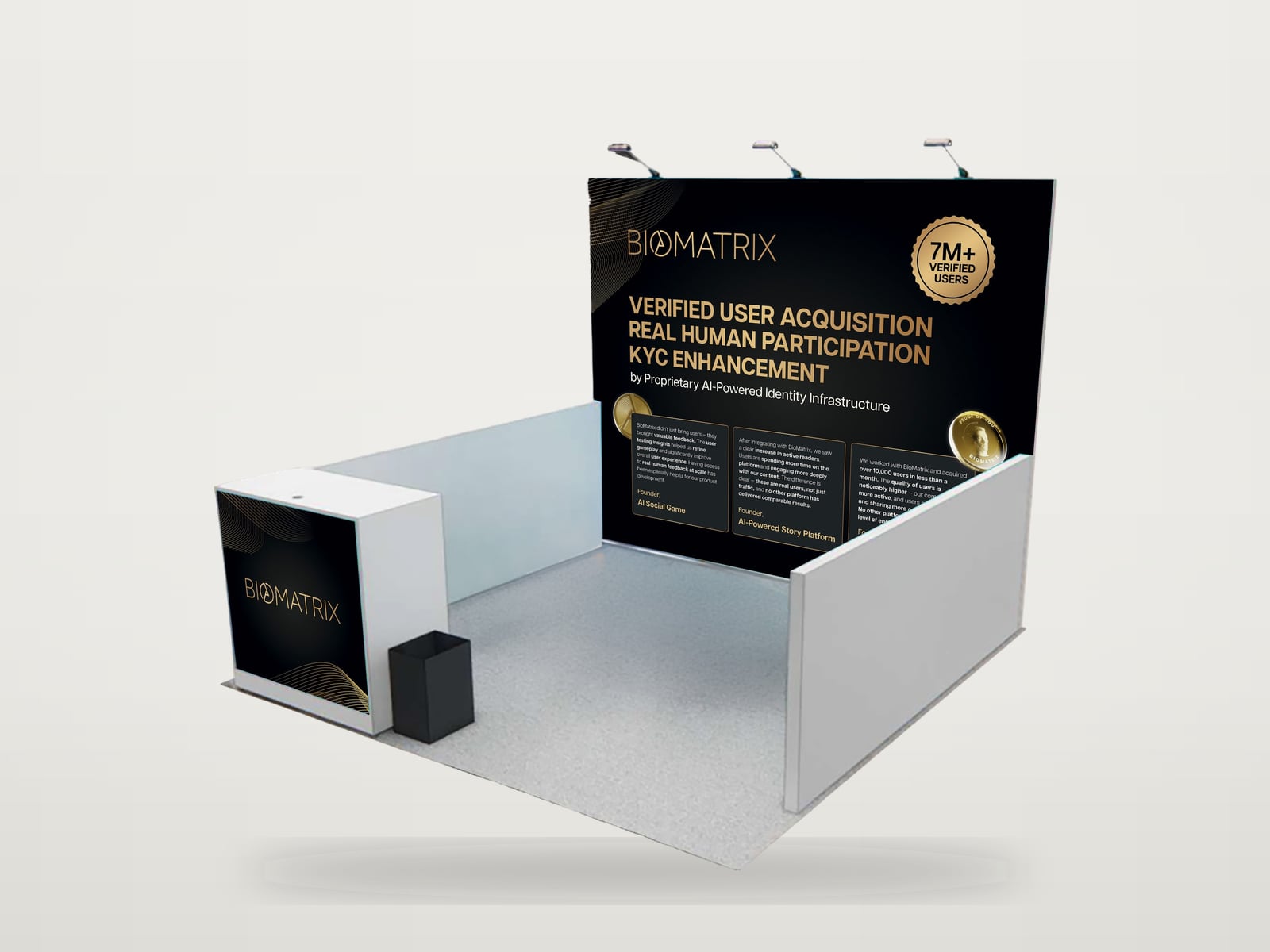
Typical visible panel sizes for a simple booth of each footprint, before bleed. They are a starting point for planning: kits differ, so your supplier's template decides the final size. Pick any of these panels in the calculator above.
Panel
Visible size
Booth
Backdrop
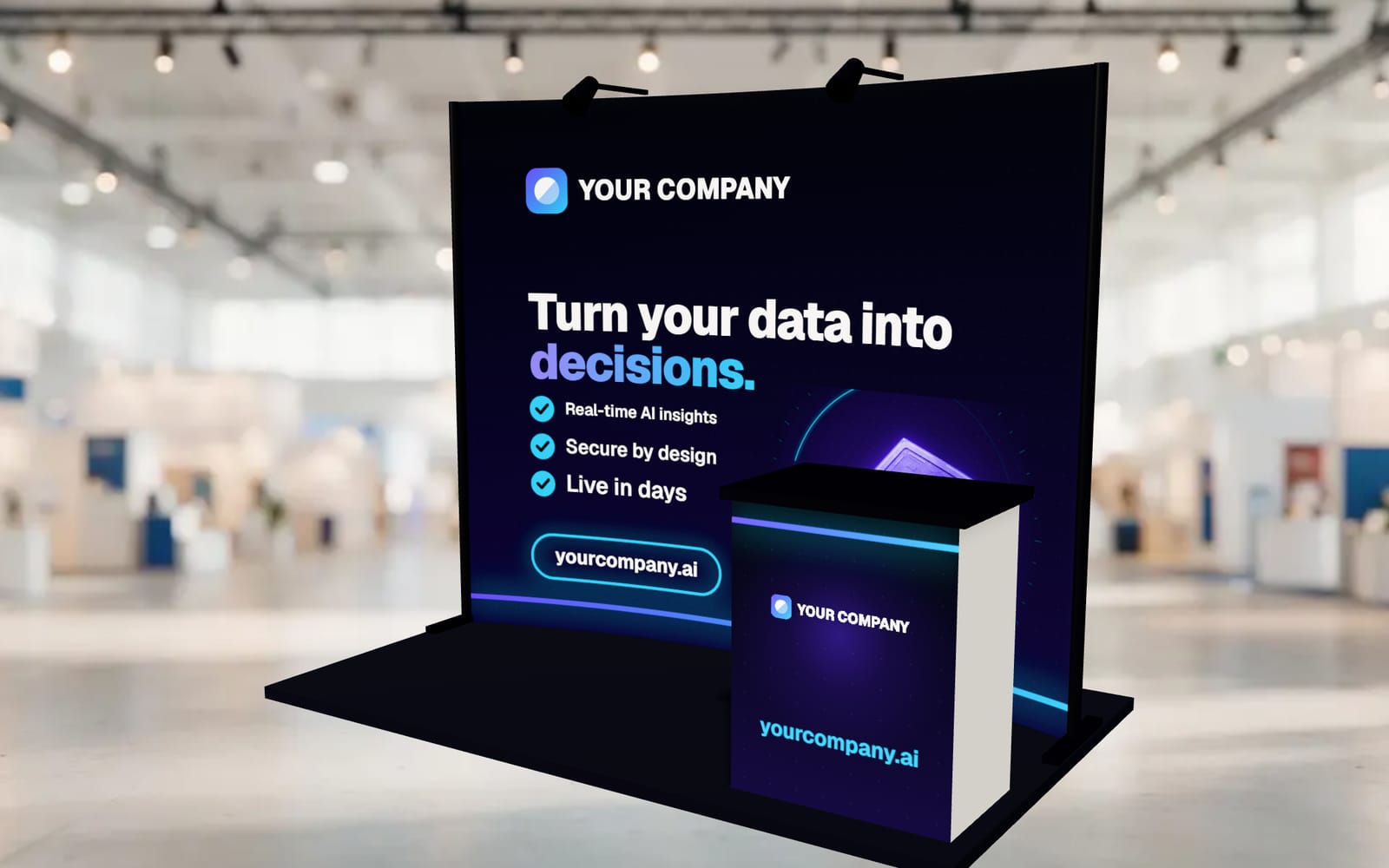
10 x 8 ft, curved
10 ft backdrop
Podium front
2.6 x 3.3 ft
10 ft backdrop
Square wall
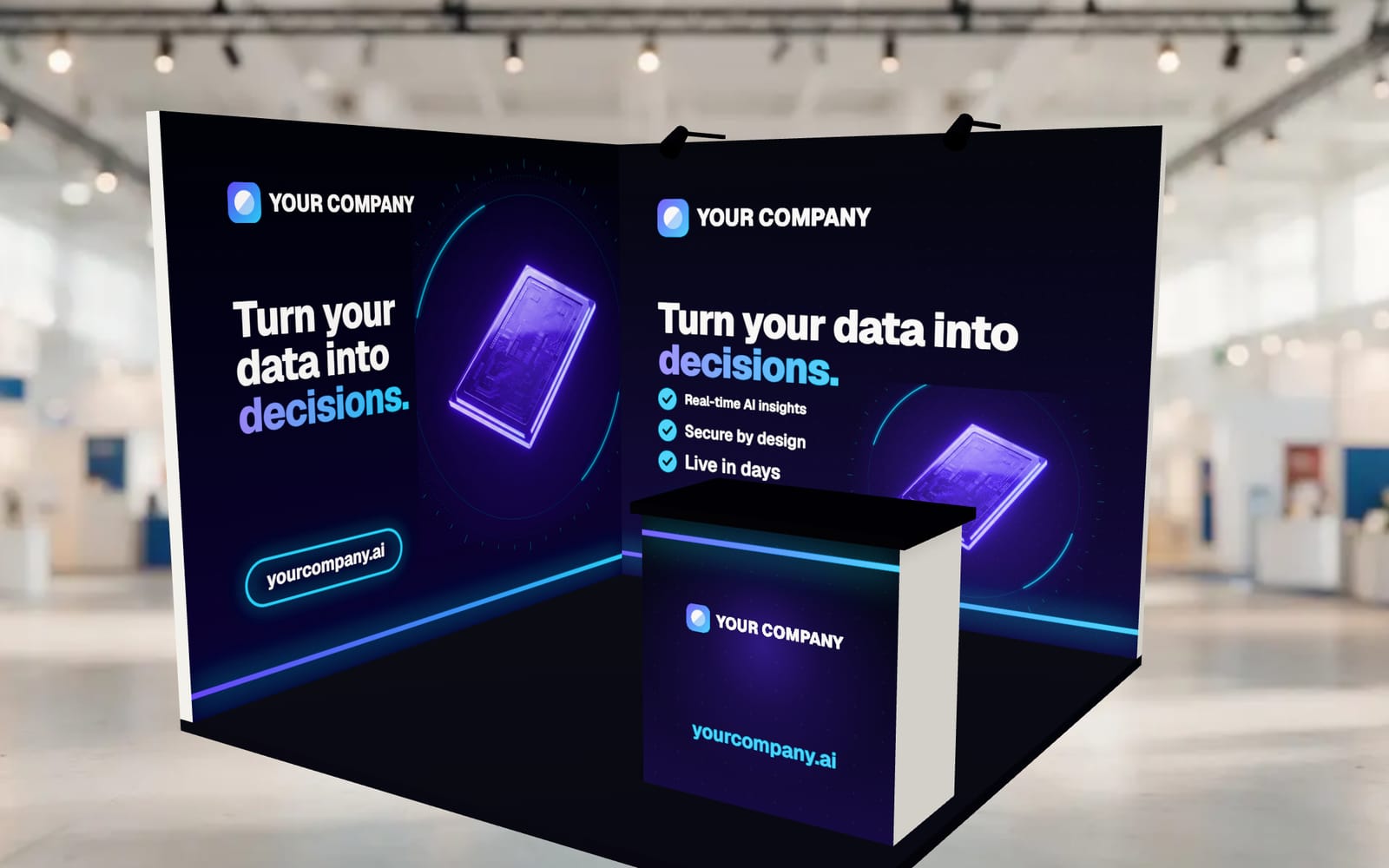
10 x 10 ft, any square design (1:1)
10 x 10 ft square wall
Back wall
10 x 8 ft
10 x 10 ft
Side wall
9.75 x 8 ft
10 x 10 ft
Counter front
3.3 x 3.3 ft
10 x 10 ft
Back wall
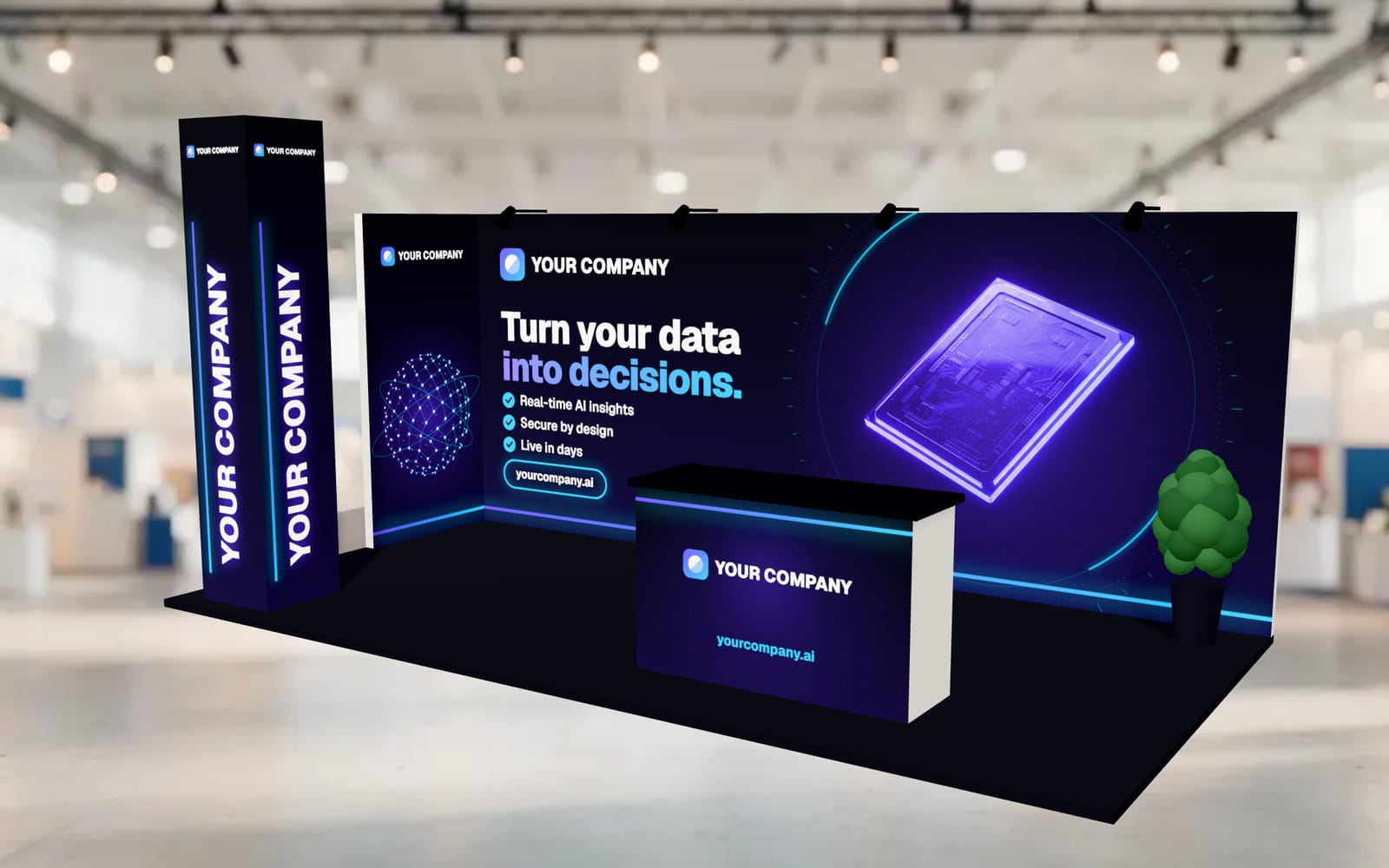
20 x 8 ft
10 x 20 ft
Side return
4 x 8 ft
10 x 20 ft
Tower (each side)
2 x 10 ft
10 x 20 ft
Counter front
5.25 x 3.3 ft
10 x 20 ft
Centre wall (both sides)
13.1 x 9 ft
20 x 20 ft
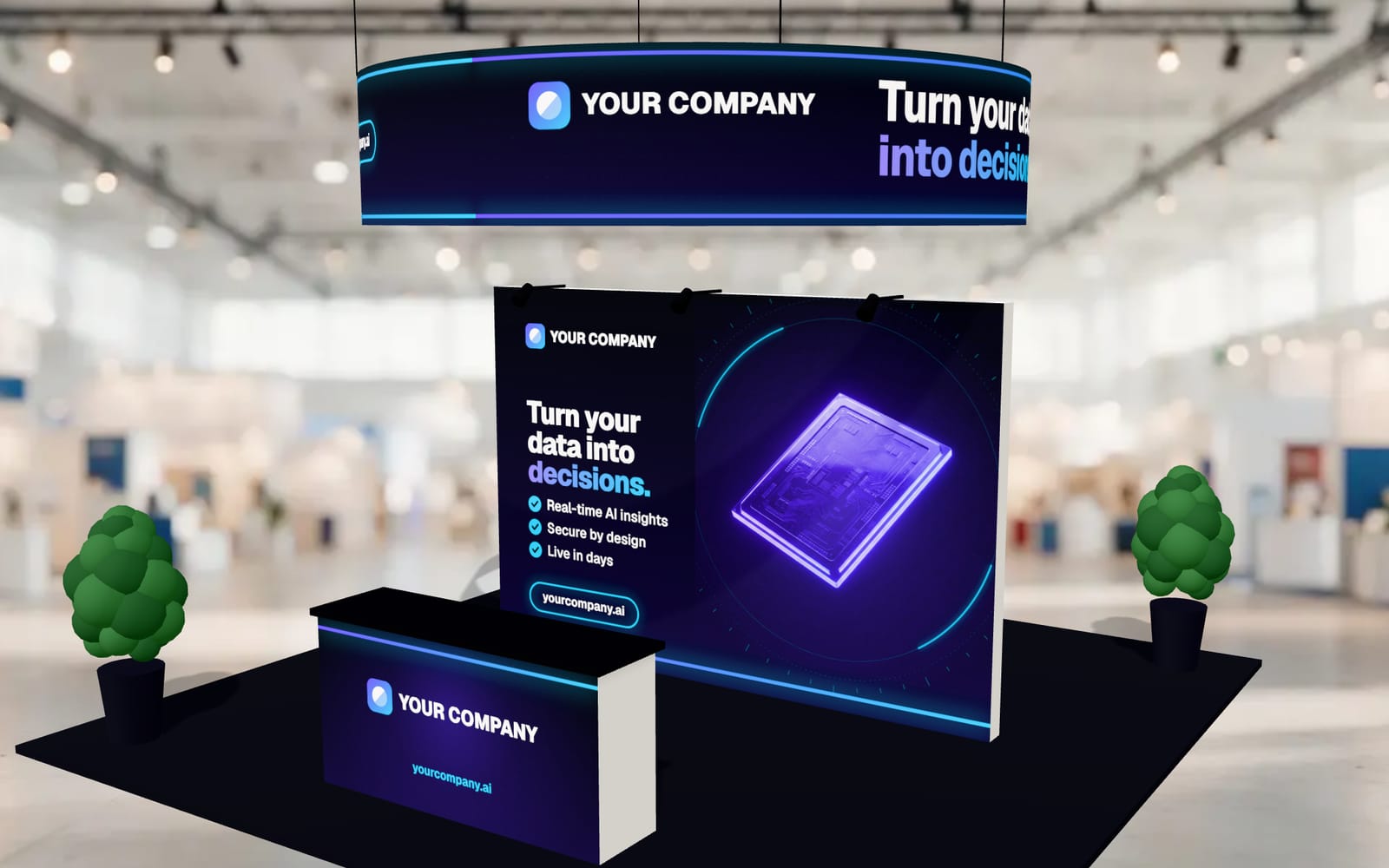
Hanging banner (half the ring)
21.7 x 3 ft
20 x 20 ft
Counter front
6.6 x 3.3 ft
20 x 20 ft
How to use the numbers
Set up your document at the scaled size, including bleed, then place photos that reach the pixel size shown. A photo with fewer pixels will look soft when printed this large.
Large graphics are often built at 25 or 10 percent of full size so the files stay manageable. Resolution is always judged at the full printed size: a file built at 25 percent needs four times the resolution in the document, which the calculator shows as the document resolution.
Why 100 pixels per inch is often enough
Booth graphics are seen from a few feet away or more, so they do not need the resolution of a brochure. Many printers ask for something in the region of 100 to 150 pixels per inch at full size for photos. Logos and text should be vector, so they stay sharp at any size.
Questions
Artwork size questions
What size is the artwork for a 10x10 trade show booth?
A simple 10x10 booth often has a back wall of about 10 x 8 ft visible, plus a side wall of about the same size and a small counter front if you use them. Kits differ, so treat these as planning sizes and take the final numbers and bleed from your supplier's template.
What size is the artwork for a 10x20 trade show booth?
The main graphic is usually a back wall of about 20 x 8 ft visible, sometimes split into several panels, plus any side returns, towers and counters. Check where your kit's seams fall, and build a file this wide at 25 or 10 percent so it stays manageable.
How many pixels does a photo need for a 10 x 8 ft backdrop?
To fill the whole backdrop at 100 pixels per inch, the photo needs about 12,000 x 9,600 pixels, before bleed. A photo that fills only part of the wall needs fewer, in proportion to the area it covers. The calculator works this out for any panel.
What size should I make my trade show backdrop artwork?
Use the visible size from your display supplier's template plus the bleed it asks for. A standard 10 ft backdrop is often around 10 x 8 ft visible, but pop-up frames wrap the ends, so the template matters more than the nominal size.
What resolution do booth graphics need?
Judge it at full printed size. Many printers ask for roughly 100 to 150 pixels per inch at full size for photos. Confirm the number for your material with the printer.
Why build booth artwork at a smaller scale?
Full-size files for a 20 ft wall are very large, and some design software limits document size; Adobe Illustrator's standard artboard stops at 227 inches. Building at 25 or 10 percent keeps files manageable, as long as the printer knows the scale.
How much bleed should I add?
Use the bleed in your supplier's template. It varies from a fraction of an inch to a few inches on some fabric frames, so the calculator lets you set it.