Booth Studio / free tool
See your brand on a trade show booth.
Start from your logo or an industry template, or add your finished panel files. See them on a 3D booth you can turn, save and share.
Free / No sign-up / Files stay on your device
Your logo stays on your device. Nothing is uploaded or stored.

Building your booth…
A quick automatic preview, not a finished design. A real booth is planned around your space, your audience and your show.
Your booth is ready
Save it, get the HD pack, or send the details to Sahariya for the real design.
Get the real designHow to make a 3D booth mockup4
FREE / PRIVATE / NO SIGN-UP- 01Start your way
Add your logo (PNG, SVG or JPG) or pick an industry template. Already have print files? Switch to Upload my design and add one per panel.
- 02Pick a size and a look
10 x 10, 10 x 20 or 20 x 20 ft, a curved backdrop or a square wall. Choose a style, a shape and a colour set. The colours come from your logo, and you can change them.
- 03Make it yours
Write the headline and key points, add a QR code or booth number, choose a typeface, drag things into place on the wall, and pick the room the booth stands in.
- 04Download or share
Turn and zoom the booth, then download a picture, get the HD pack with four views and a short video, or copy a link for your team.
Real booths by Sahariya6
REAL CLIENT WORK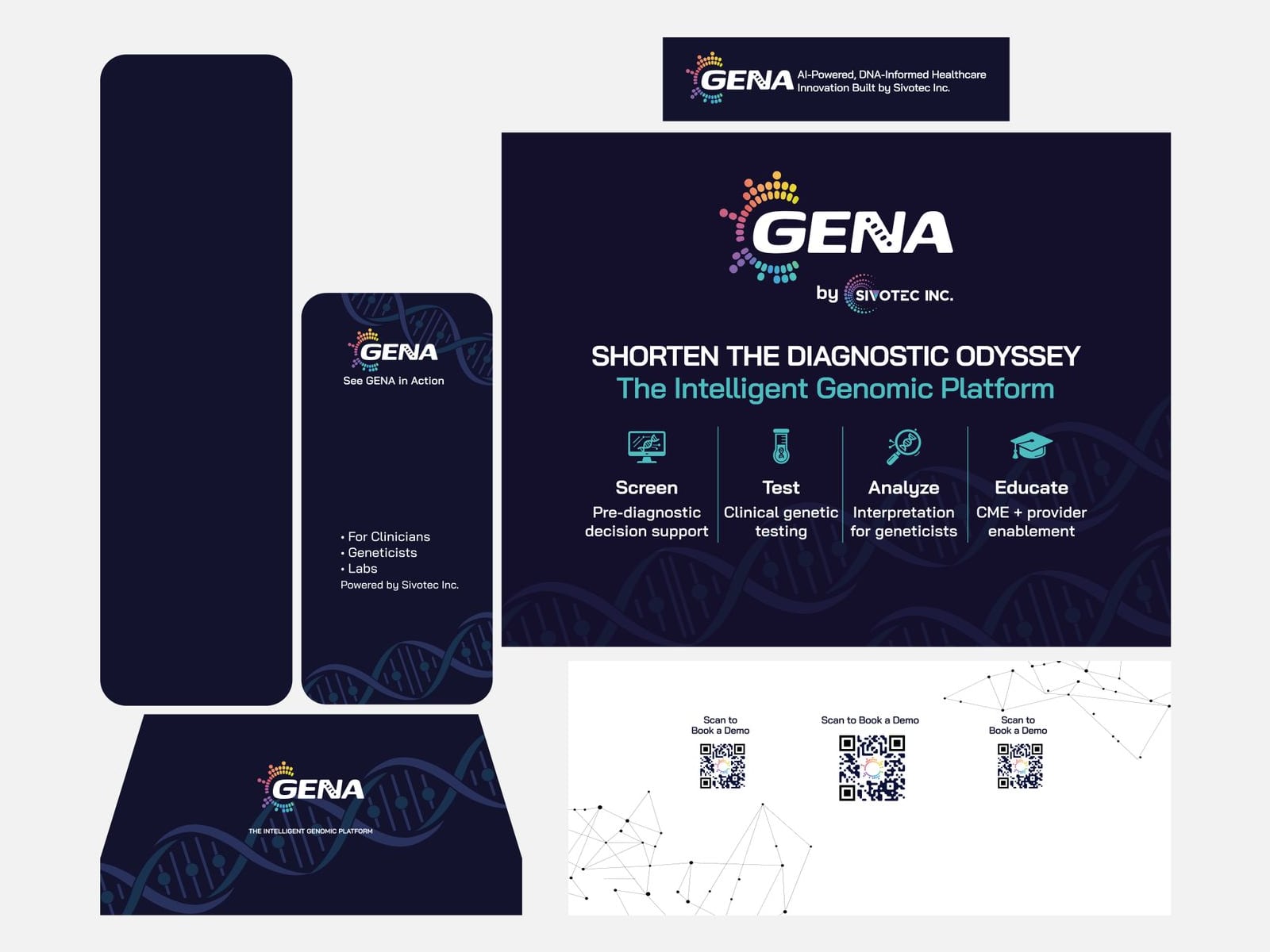 GENA by SivotecBooth graphics / panel by panel
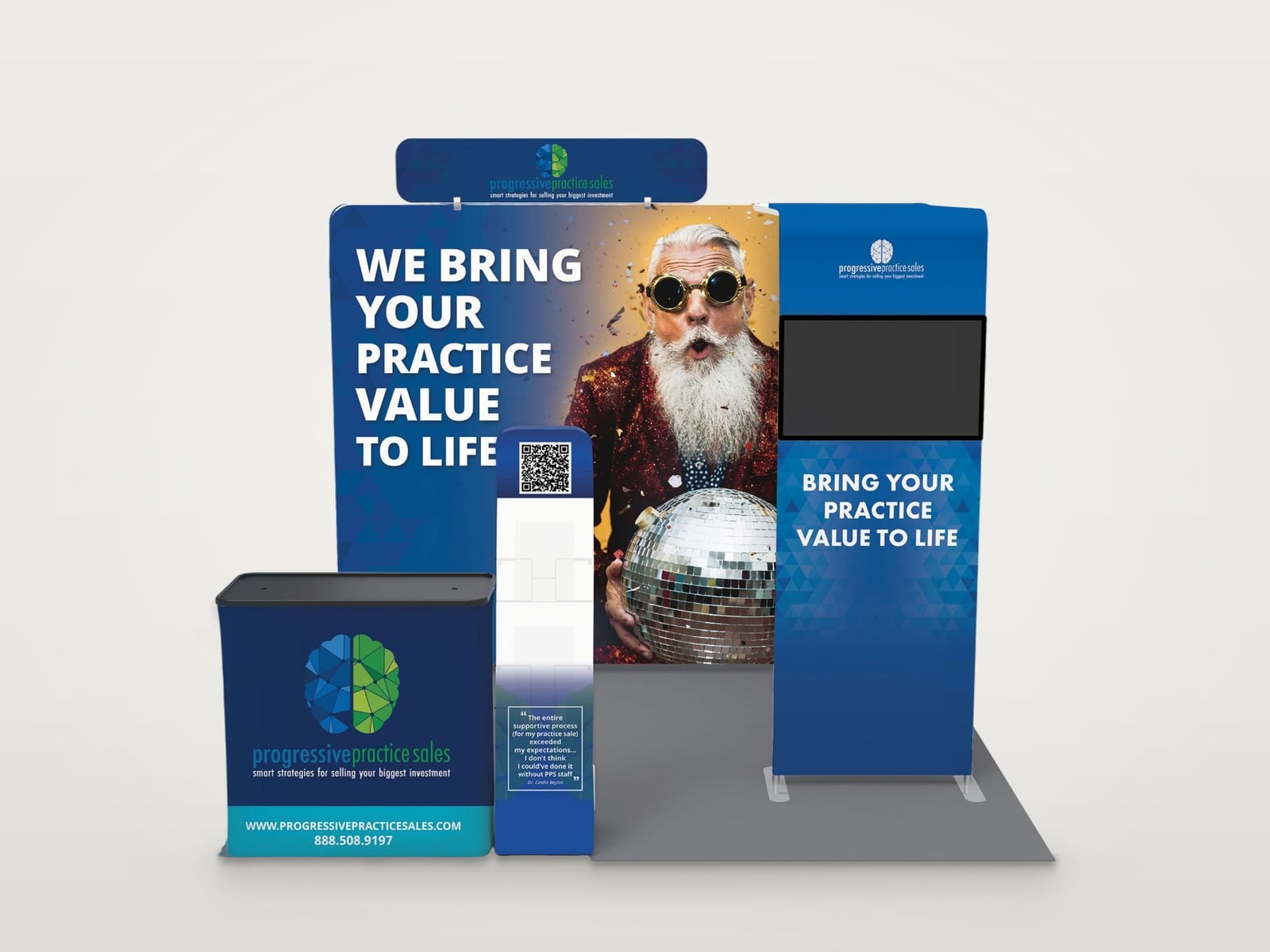 Progressive Practice SalesModular booth / backwall, counter, monitor tower
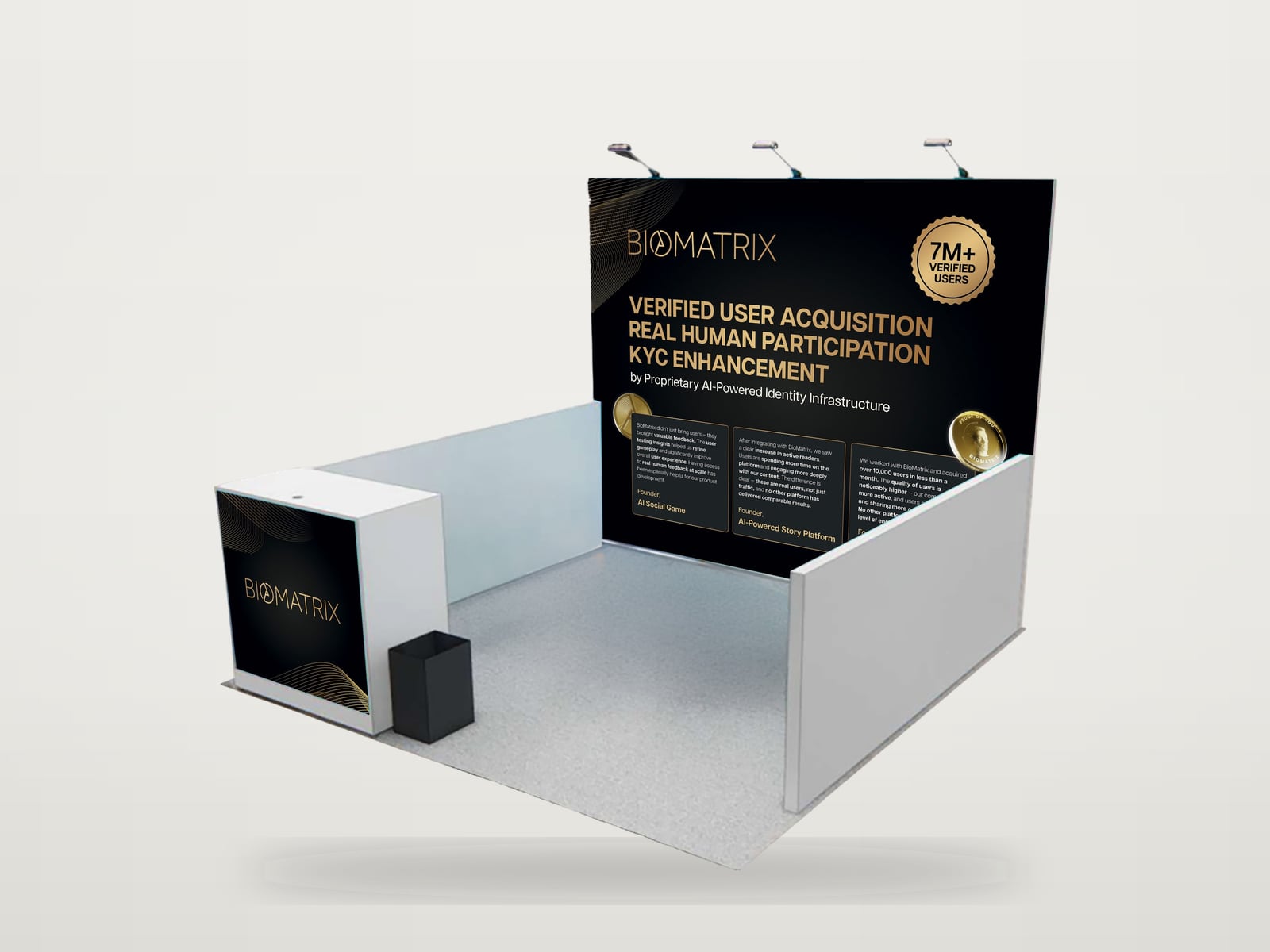 BiomatrixOpen booth / backwall, side walls, counter
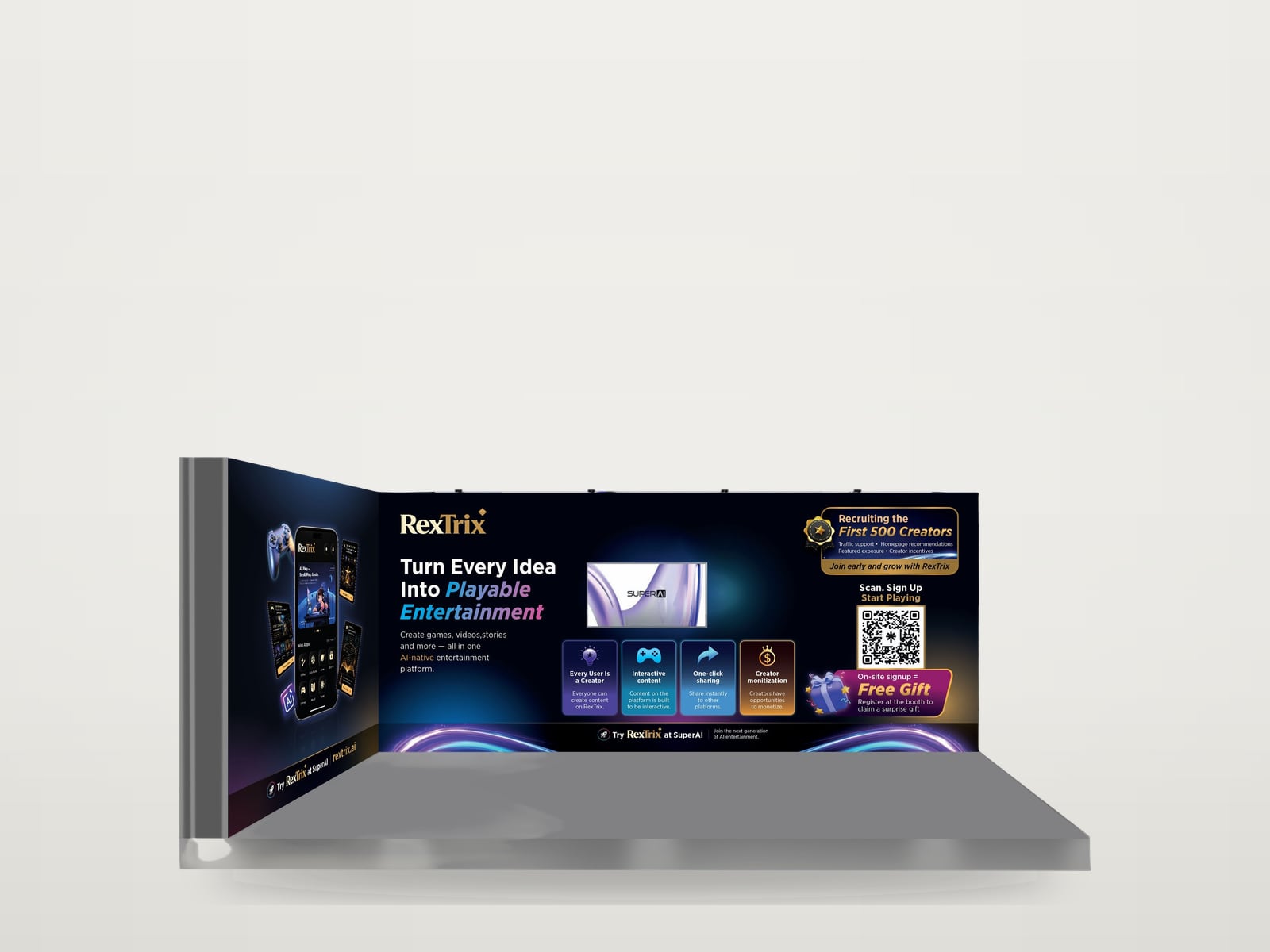 RexTrixL-shaped booth / two walls, screen, QR sign-up
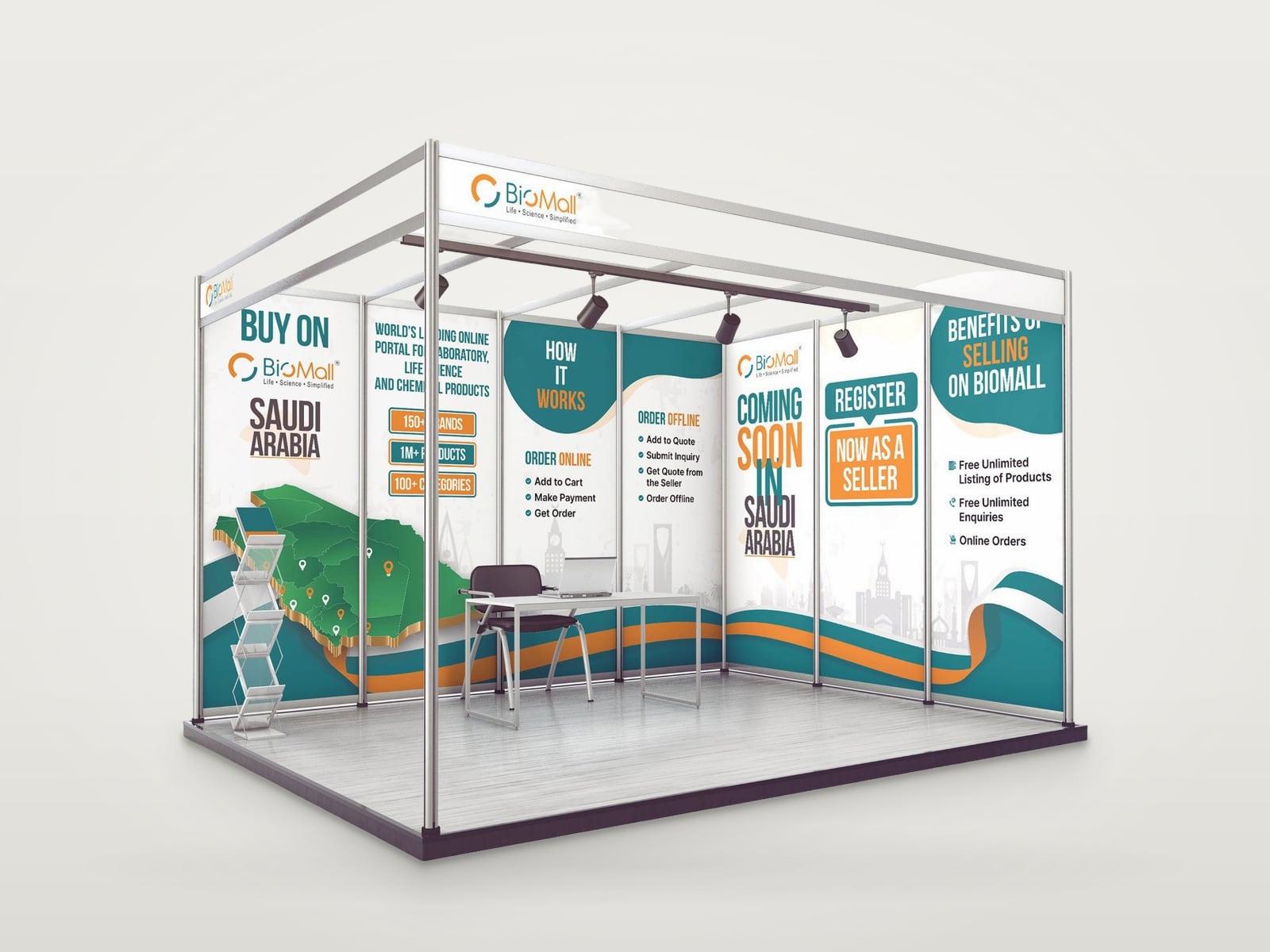 BioMallShell-scheme booth / wall panels, Saudi Arabia
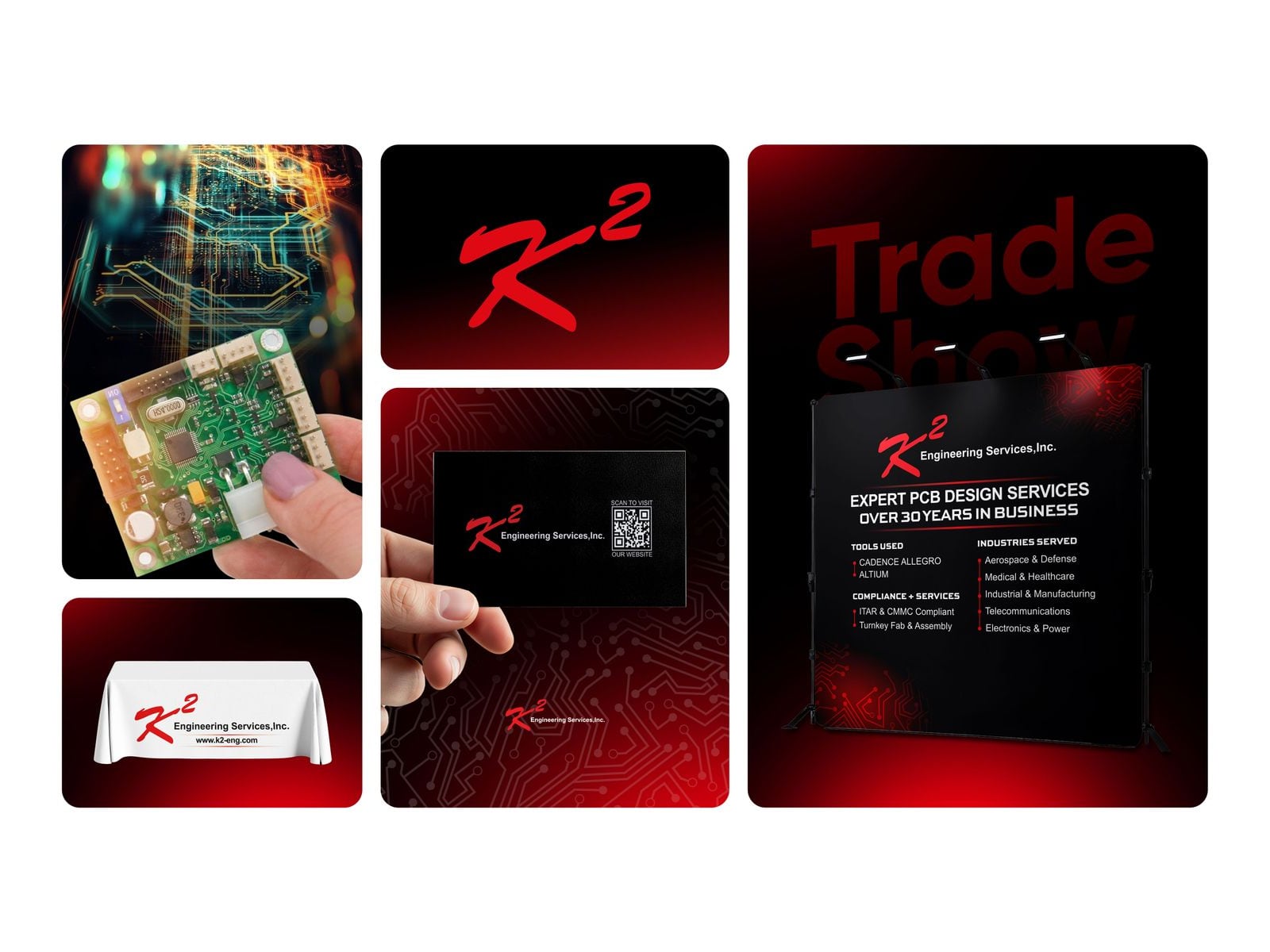 K2 Engineering ServicesTrade show branding / backdrop, table cover, business card
Booth Studio is a quick preview. These are finished booth designs made for real exhibitors.
As always a great design, incredible delivery speed and took on board all the revision info we required.
A free 3D trade show booth mockup, right in your browser.
Booth Studio turns a logo, or a finished booth design, into a 3D trade show booth you can turn, zoom and inspect. There is nothing to install and no account to create, and your files never leave your device.
Choose a 10 x 10 or 10 x 20 ft inline booth, a 20 x 20 ft island, a 10 ft curved backdrop or a 10 x 10 ft square wall. Build the graphics from your logo with ready-made styles, or switch to Upload my design and add your own panel artwork to check it before printing.
When it looks right, download a picture, get an HD pack with four views and a short video, share a link to the same booth, or view it life-size in your room on a phone.
See a real booth in 3D
Client booth artwork from Sahariya's portfolio, shown on the 3D booth.
Booth size guides
Questions
Booth Studio questions
Is Booth Studio free?
Yes. It is free to use and needs no account. Pictures download straight away. The HD pack asks for your name and email so Sahariya can follow up about your booth.
How do I make a 3D mockup of my trade show booth?
Add your logo or pick an industry template, choose a booth size and style, then write your headline and key points. The 3D booth updates as you go, so you can turn and zoom it, then download a picture or copy a share link.
Do I need design software or 3D skills?
No. Booth Studio runs in your web browser with nothing to install. If you can add a logo and type a headline, you can make a preview. It needs a browser with WebGL, which most current browsers support; without it you see a flat view of the back wall.
Can I get a video of my booth mockup?
Yes. The HD pack has a six-second video and four HD pictures (front, angle, side and above) in one ZIP file. It asks for your name and email.
Where do my logo and design files go?
Nowhere. Logos, photos and uploaded designs are read in your browser and never leave your device. So you can continue later, your last booth is kept only in this browser; Start fresh removes it. Share links carry only the text, colours, size and style, not your files.
Which booth sizes can I preview?
A 10 x 10 ft and a 10 x 20 ft inline booth, a 20 x 20 ft island, a 10 ft curved backdrop and a 10 x 10 ft square wall, all with 8 ft walls.
Can I check my own print files before printing?
Yes. Choose Upload my design and add an image for each panel. The tool shows each panel's size, fills it with your artwork and tells you when the proportions do not match, so you can spot problems before you send files to the printer.
Is the preview print-ready?
No. It is a quick preview to see the direction and share it with your team. Final print files have to follow your printer's or the show's template, with the right size, bleed and resolution.
How do I get the real booth design?
Press Get the real design. Your preview details go into a short brief on the contact page, and Sahariya replies by email to talk through your show, your space and your audience.
Related articles
ARTICLESTrade Show Booth Ideas That Attract Visitors
Trade show booth ideas that attract visitors: back wall, open layout, demos, giveaways, small booth ideas and lead capture, with what each idea is good for.
10x10 Trade Show Booth Layout Ideas: 5 Plans
10x10 trade show booth ideas and layout plans: five layouts that work, small booth ideas that draw people in, a three-zone plan and what to leave out.
Trade Show Booth Artwork Checklist for Print
A trade show booth artwork checklist for print-ready files: templates, scale, resolution, bleed, safe areas, colour mode, fonts, file formats and proofs.
Like the direction? Get the real design.
Send the preview details to Sahariya and get a booth designed around your show, your space and your audience.