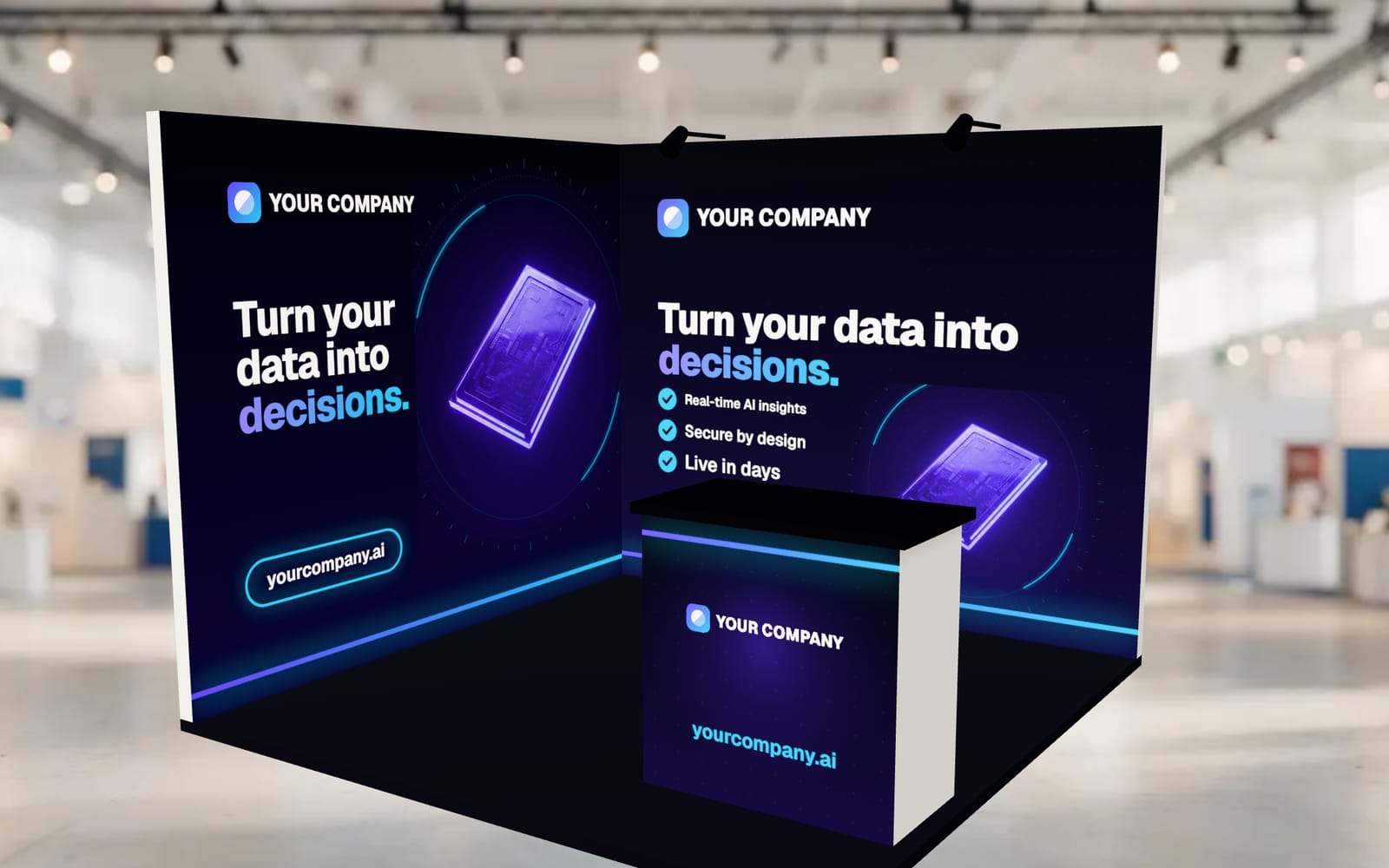
Start from the aisle
Visitors decide in a few steps whether to stop. Stand where they will walk past: they should see the logo and the main message on the back wall, and an open space in front of it that feels easy to step into. Every layout below keeps that open front.
1. Back wall and a counter to one side
The most common layout, and usually the best. A full back wall carries the message, and a small counter sits towards one front corner, so the middle stays open. The counter gives the conversation a home and a place for a QR code at eye level. The EmergeCareer design in the work uses a fabric back wall with a counter in this way.
2. L-shape on a corner booth
With two open sides, a back wall plus a side wall turns the booth towards both aisles. Put the main message on the back wall and a supporting message or product visual on the side wall, and keep the open corner free for people to walk in.
3. Backdrop and a table
A pop-up backdrop with a branded table cover in front is light, quick to set up and travels well. Pull the table forward and to one side rather than straight across the front, which reads as a barrier. See the backdrop guide.
4. Demo station with a screen
For software or products that need showing, mount a screen on the back wall or a stand at eye level, with a short message above it. Keep the graphics around the screen useful even when it is switched off. The Upswitch design in the work is a single wall built around a screen mount.
5. A small meeting corner
If the goal is meetings rather than passing traffic, two high stools and a small table in a back corner give people a place to sit for a few minutes. Keep it to one corner so the booth still looks open from the aisle.
What to avoid
- A table straight across the front of the booth.
- Too much furniture: a 10 x 10 ft space fills up fast.
- Important text low on the back wall, where people and the counter hide it.
- Tall items near the aisle: many shows limit height in the front part of inline booths. Check the exhibitor manual.
Try it before you build it
Open a 10 x 10 ft booth in Booth Studio, add your logo or finished panels, and turn it to see what the aisle will see. The 10x10 guide lists the panels and their typical sizes.