Trade show counter and podium design: what to put on the front, the top and the header
A promo counter or podium is often the first thing a visitor reaches and the place where conversations start. Its graphics are seen from close up and from across the aisle at the same time, so each surface has a different job.
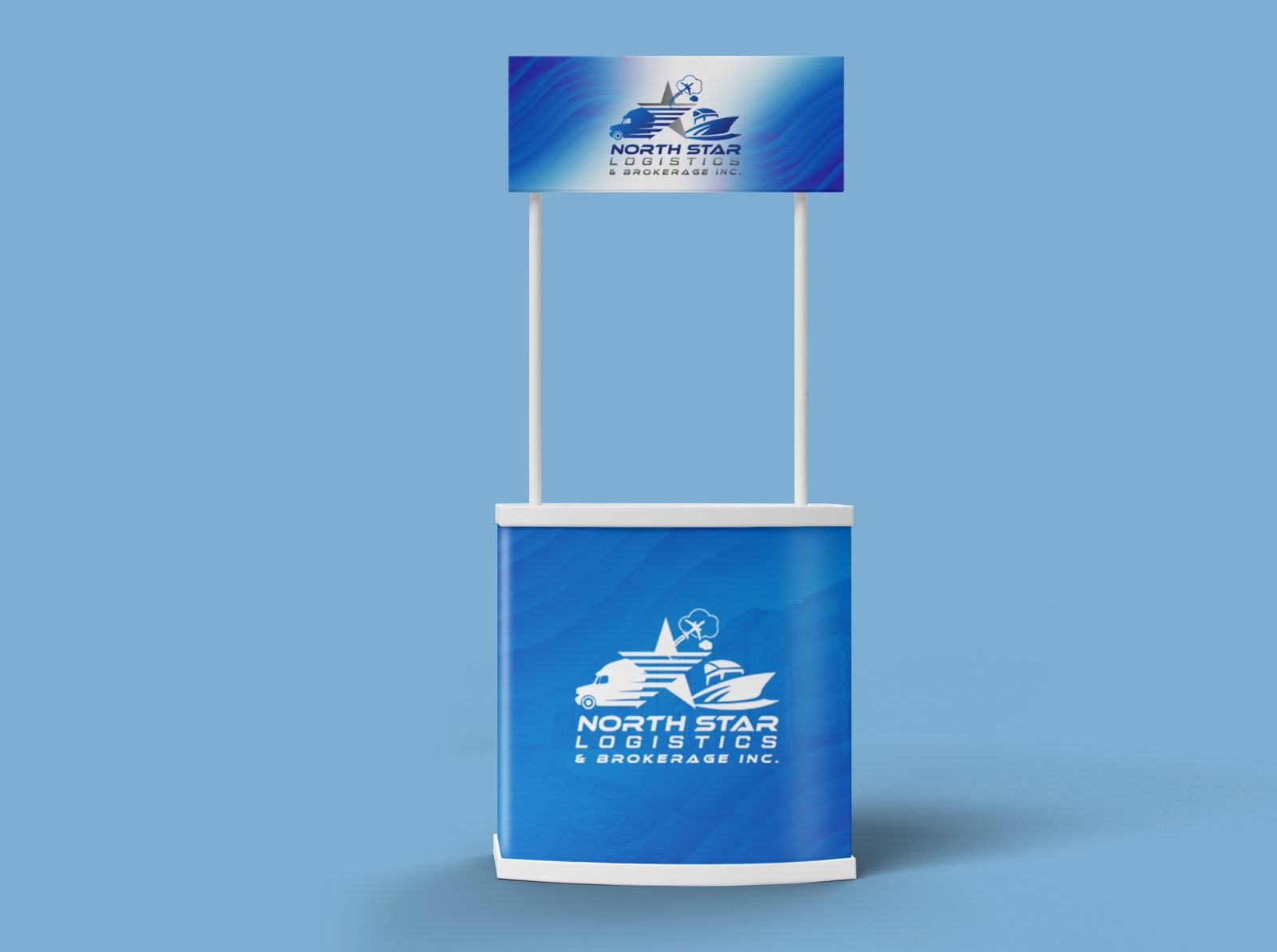
Real work: a promo counter with a header sign for North Star Logistics, shown on a presentation mockup.
Give each surface one job
Header sign: the logo or brand name, so the counter can be found from across the hall.
Front wrap: one short message or the logo again, large enough to read over the aisle.
Lower front: a QR code or web address, at a height people can scan without bending far.
Top: kept clear for a laptop, a tablet for lead capture, samples or leaflets.
Design for a curved or wrapped front
Most promo counters have a fabric or printed wrap that curves around the front, and the edges turn away from the viewer. Keep the logo and words in the middle of the panel, and let colour or pattern carry to the edges. Always design from the supplier's template, which shows the visible area, the seams and the bleed.
Match the rest of the stand
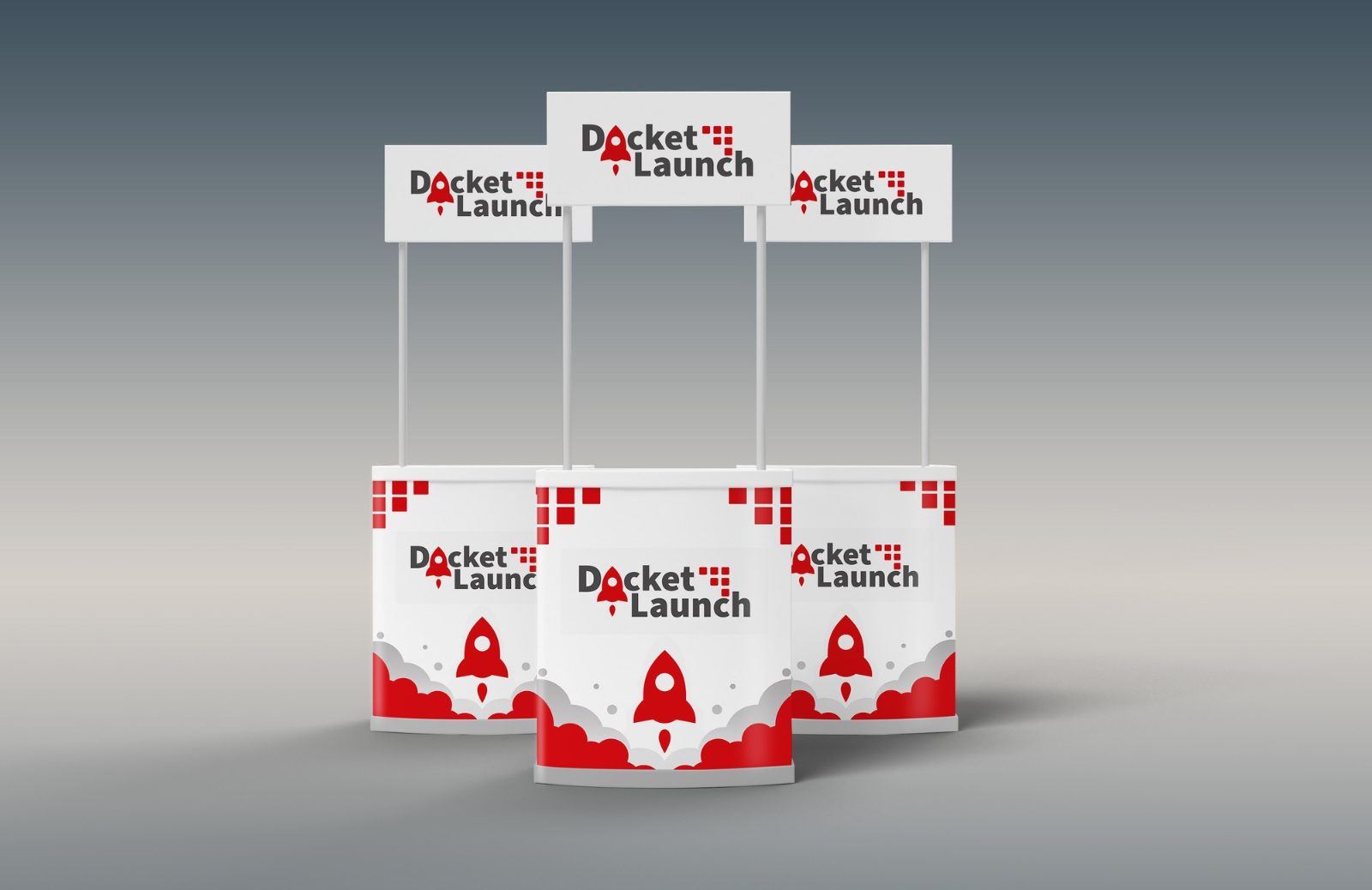
A counter looks best when it shares colours, type and logo position with the backdrop or roll-up banners behind it. Several counters in a row, for example at a launch or a sponsor area, can repeat the same design so the brand reads as one block. See roll-up banner design and what to put on a backdrop for the other pieces.
Make the QR code work
Give a reason to scan in a few words, such as a demo, a quote or a download.
Print it large enough to scan from about an arm's length, with a quiet border around it.
Test the printed proof with two or three phones before the final print run.
Print files
Logos and text should be vector. Photos and textures need enough resolution at the printed size; the artwork size calculator works out the numbers, and the artwork checklist covers bleed and file formats. You can also check a counter design in 3D in Booth Studio, where every booth with a counter shows the front graphic.
Real examples4
REAL WORK
Real client designs by Sahariya, shown on presentation mockups. Open one to see it larger.
The logo or brand name on the header, one short message or the logo on the front, and a QR code or web address low on the front. Keep the top clear for a tablet, samples or leaflets.
What is the difference between a counter and a podium?
Both are small free-standing units at the front of a stand. A podium is usually narrow, with a small top for a tablet or leaflets; a counter is wider and works as a small desk. The graphic rules are the same.
How big should a QR code be on a counter?
Large enough to scan from about an arm's length, with a clear border around it. Test the printed proof with a few phones before the final print.
A week-by-week timeline for planning trade show booth graphics, from booking the space to show day, so the design is ready before the printer's deadline.
Practical trade show booth ideas for the back wall, the layout, small booths and lead capture, with what each idea is good for and how to test it first.
Common trade show booth design mistakes: too much text, a logo hidden behind people, a closed front, unclear messages and print problems, with a fix for each.