Trade show table cover design: what to put on the front, sides and top
At many shows the table is the stand: a 6 or 8 foot table with a cover, a backdrop or a roll-up behind it. The table cover sits at waist height in the front row of the visitor's view, so it does a lot of the branding work for very little cost.
Real work at a show: an AdvisorLabs backdrop and table cover, set up by the client.
Front panel: the logo, large and centred
The front of the table cover is seen from the aisle and in photos of the stand. Put the logo in the middle, large enough to read from a few steps away, and keep it above the lowest part of the cloth, which is often hidden by bags, boxes or visitors' legs. A short line, such as what you do or the website, can sit under the logo if there is room.
Keep the top clear
The top of the table is covered by leaflets, a laptop, samples and a QR code stand, so artwork there is rarely seen. A plain colour that matches the brand looks tidy and hides marks.
Fitted, stretch or draped
Fitted covers have sewn corners and look neat; the front panel is flat, so the logo prints without folds.
Stretch covers grip the table and show a clean, modern shape; artwork must allow for the stretch at the edges.
Draped throws fold at the corners; keep the logo away from the corners, where the cloth falls in folds.
Open back or closed back: an open back lets staff store boxes under the table out of sight.
Table cover sizes depend on the table (6 ft and 8 ft are common in the US) and on the style, so design from the printer's template, which shows the front panel, the sides, the top and the seams. Logos and text should be vector, and dark backgrounds should use the printer's recommended colour mix so they print evenly on fabric. The artwork checklist covers bleed and file formats.
Real examples3
REAL WORK
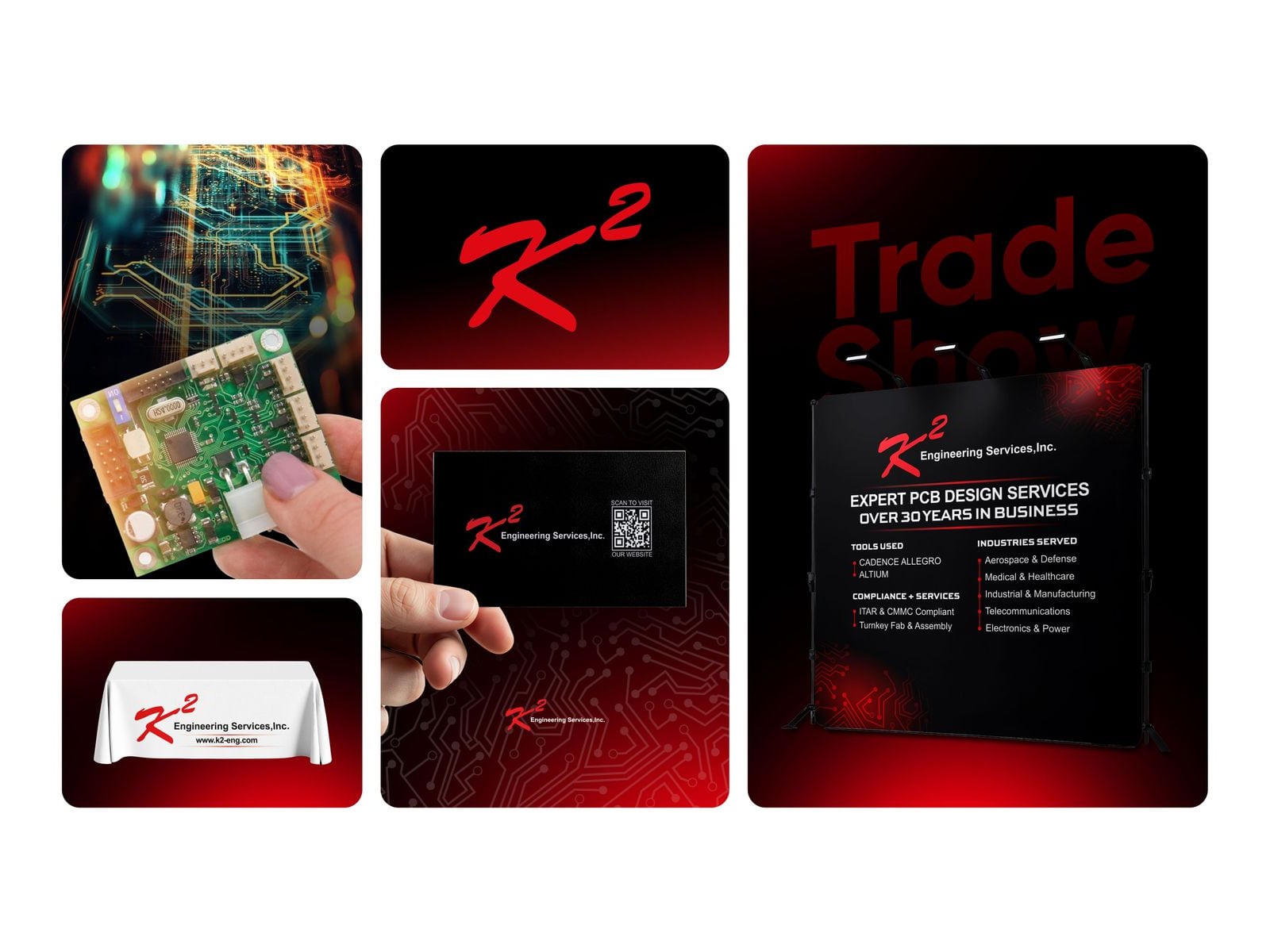
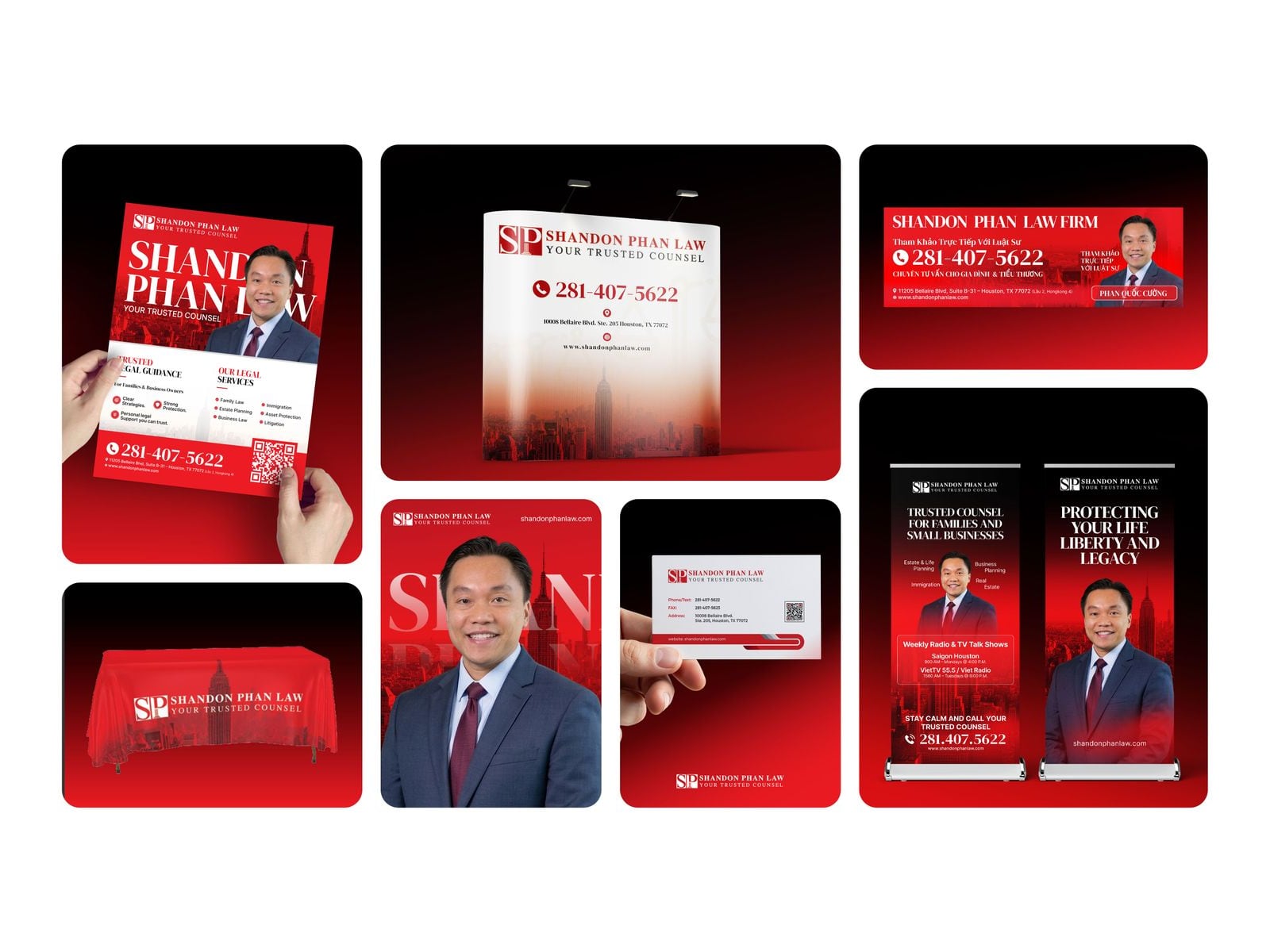
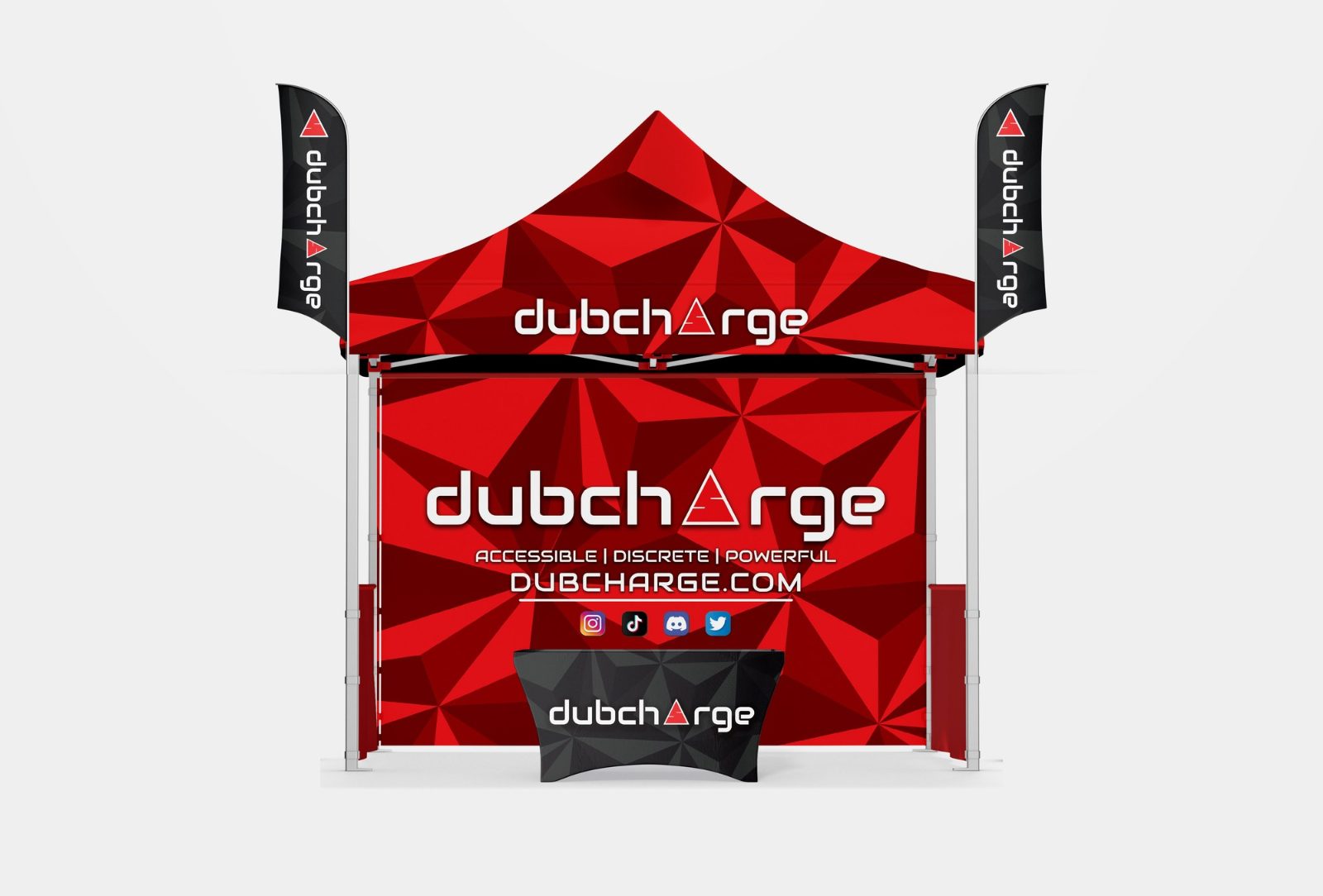
Real client designs by Sahariya, shown on presentation mockups. Open one to see it larger.
The logo, centred and large on the front panel, and optionally a short line or the website under it. Keep the top plain, because it is covered by leaflets, screens and samples.
What size table cover do I need?
It depends on the table and the style. Covers for 6 ft and 8 ft tables are common in the US; always use the printer's template for the exact panel sizes.
Should a table cover be fitted or draped?
Fitted and stretch covers look neater and keep the logo flat; draped throws are flexible across table sizes but fold at the corners, so keep artwork away from them.
A week-by-week timeline for planning trade show booth graphics, from booking the space to show day, so the design is ready before the printer's deadline.
Practical trade show booth ideas for the back wall, the layout, small booths and lead capture, with what each idea is good for and how to test it first.
Common trade show booth design mistakes: too much text, a logo hidden behind people, a closed front, unclear messages and print problems, with a fix for each.
How to design graphics for a trade show counter or promo podium: what goes on the front wrap, the header sign and the top, plus print and QR code tips.